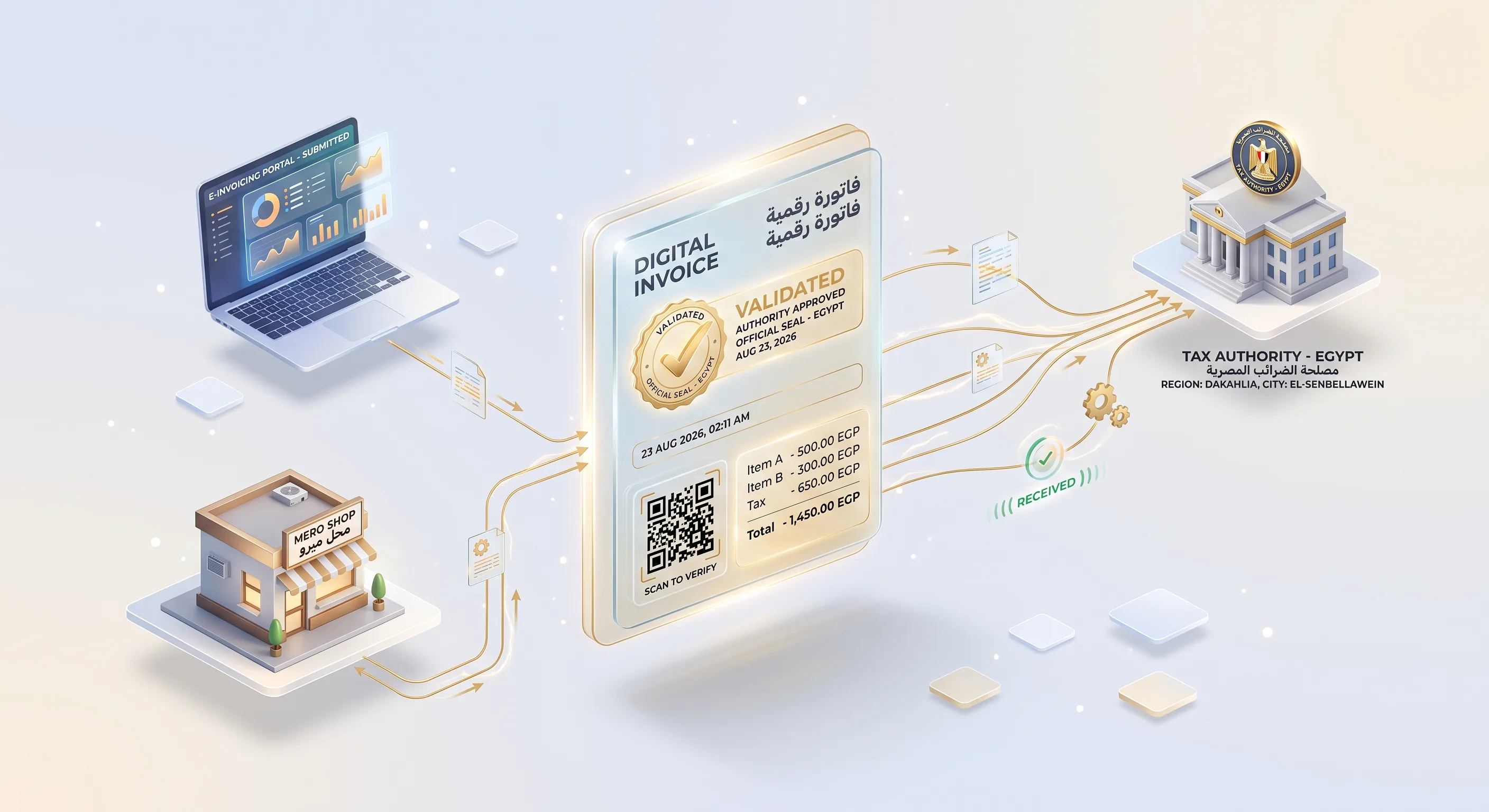
To connect your accounting software or ERP to Egypt's e-invoicing system, the Egyptian Tax Authority (ETA) sets three conditions: an electronic seal or signature, goods and services coded with approved GS1 or EGS codes, and electronic integration through the APIs documented in its SDK. You register the system on the portal, test in pre-production, then move to production.
Who has to issue e-invoices and e-receipts in Egypt?
According to the ETA, Minister of Finance Decree No. 323 of 2022 requires the Authority's taxpayers to join the e-invoicing system under three conditions: obtaining an electronic seal or signature, coding goods and services with approved codes, and integrating electronically with the system. E-receipts require joining e-invoicing first, then a binding decision from the head of the ETA, plus item coding (ETA: conditions for joining, in Arabic, checked 13 September 2026).
E-receipt decisions are issued in phases, so don't assume where you stand. The ETA's e-invoice services page lets you look up taxpayers covered by obligation decisions, and its e-receipt services page explains registration and POS device setup (both in Arabic). The conditions page also states that non-compliance leads to the penalties set by law.
How is an e-invoice different from an e-receipt?
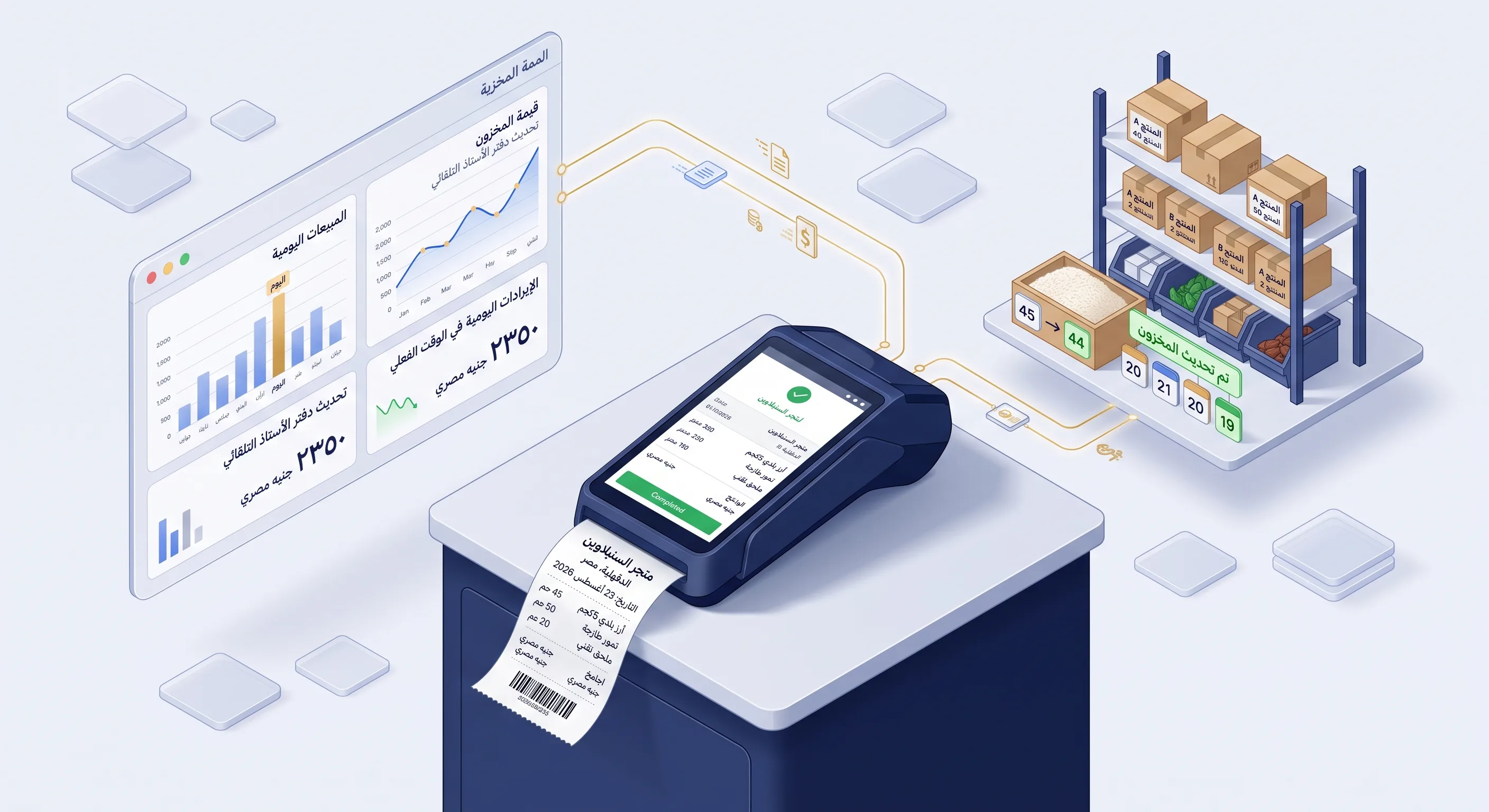
An e-invoice is issued from an ERP or accounting system for business-to-business sales (B2B); an e-receipt is issued at the point of sale to consumers (B2C). Both are submitted through APIs documented in the same ETA SDK, but the device, deadline and printing rules differ:
| Item | E-invoice | E-receipt |
|---|---|---|
| Type of sale | Business to business (B2B) | Business to consumer (B2C) |
| Legal basis | Minister of Finance Decree No. 323 of 2022 | Phased decisions by the head of the ETA, after joining e-invoicing |
| Issuing system | ERP or accounting system registered on the portal | POS device registered and linked to the issuer's tax registration number, with B2C receipt issuance enabled |
| Submission deadline | Check the latest SDK release | Within 24 hours of issuance, unless resubmitting a receipt with its old UUID |
| ID and printing | An API returns a printout of the document | UUID generated from the receipt content with SHA256, and a QR code on the printed receipt holding the details page URL, total and seller registration number |
| Returns and adjustments | According to the document types available in the SDK | Return receipt within a maximum of 540 days from the sales receipt date |
Sources: the Receipt Issuance FAQ and the eInvoicing API reference in the ETA SDK.
What are the steps to connect your system to the ETA?
The SDK lays out the path: register the company and its systems on the portal, configure API credentials and the seal certificate in your software, then call the APIs as part of daily operations (SDK getting started). In practice, you work through these steps:
- Digital profile and admin account. Register the company's digital profile with the ETA to access the web application, then accept the invitation to register the taxpayer administrator account.
- Register your systems. Invite representatives and register one or more ERP systems, plus POS devices if you have them.
- API credentials. Obtain API access credentials and configure them in your system, which calls the identity service for a session token before using the APIs.
- Electronic seal certificate. Obtain the eSeal X.509 certificate and configure it in your system to sign documents.
- Item coding. Map every item in your system to an approved GS1 or EGS code, as explained in the next section.
- Submission and follow-up. The APIs are REST-based and use JSON for input and output, while document formats support both XML and JSON. Build handling for submitting documents, cancellations, rejections by the recipient, notifications and printouts.
- Test, then go live. Test on the pre-production environment at
preprod.invoicing.eta.gov.egbefore switching toinvoicing.eta.gov.eg(SDK FAQ).
If you also sell directly to consumers from branches, the POS side and its link to stock are covered in our POS system integration guide.
What is the difference between GS1 and EGS codes?
A GS1 code is the product number from the global GS1 barcode system, suited to products that carry a registered barcode. An EGS code is an internal code your company registers for its own goods and services: you submit a code usage request, and ETA staff review and approve it before you can use it (Create EGS Code Usage API). Published codes can be looked up through the Search Published Codes API.
Before go-live, build a table that maps each item to its approved code, unit type and tax type from the official code tables, and decide who in the company codes new items before they go on sale.
Why does the ETA reject a document?
Snaabble provides a tailored technical assessment to define the right stack & exact budget.
Every document is validated when it is submitted, and any value that doesn't match the code tables or your registration data stops it. Check these points before you send:
- An item code that isn't published, or an EGS code not yet approved for your use.
- A tax type, subtype, unit type, activity type or payment method that isn't in the code tables.
- Signature problems, such as a certificate that isn't configured correctly or has expired.
- For e-receipts: an unregistered or inactive POS device, submission after the 24-hour window, or a return receipt more than 540 days after the sales receipt.
- Duplicate submissions: the receipt submission API detects identical submissions sent by the same taxpayer within the previous 10 minutes (Submit Receipt API).
In practice, store the ETA's response for every document in your system, show the rejection reason to your accountant in plain language, and let them resubmit from the same screen once it is fixed.
Do you need a new accounting system, or is an integration layer enough?
Not necessarily a new system. If your current software keeps items, taxes and customers' tax details in a structured way, an integration layer (middleware) that adds coding, signing and submission may be enough. If invoices live in Excel or in software that can't be integrated, moving your data to a system that supports the ETA is often cheaper in the long run.
| Your current setup | Practical option |
|---|---|
| Off-the-shelf software whose vendor ships an official Egyptian e-invoice update | Enable the vendor's module and test it in pre-production |
| Custom system with a well-structured database | An integration layer that adds coding, signing, submission and response tracking |
| Invoices in Excel or legacy software with no APIs | A new or upgraded system, migrating item and customer data first |
| Direct sales to consumers from branches | A POS system that issues e-receipts and submits them to the ETA |
To estimate the budget for a complete system, see our custom ERP cost guide; if you haven't decided what kind of system you need, start with ERP vs CRM.
If the same system also serves a business of yours in the Gulf, note that each market builds the path differently: in the UAE your system does not connect to the Federal Tax Authority at all, but to an accredited service provider that converts the document and transmits it on your behalf, as we explain in our guide to UAE e-invoicing.
Frequently asked questions
Can I test the integration before sending real invoices?
Yes. The ETA runs a separate pre-production environment at preprod.invoicing.eta.gov.eg, and the SDK points to Postman collections for testing. Test every document type you issue, and your rejection handling, before moving to production.
What is the penalty for not complying?
The ETA's conditions page states that non-compliance leads to the penalties set by law. We don't quote fine amounts here; ask your accountant or tax adviser what applies to your business.
What if the internet goes down at the point of sale?
The POS can be designed to keep issuing receipts and store them locally, but the Receipt Issuance FAQ sets an allowed submission window of 24 hours. Make the system resubmit automatically when the connection returns and alert a manager before the window runs out.
Where do I find the official codes and APIs?
On the ETA SDK site at sdk.invoicing.eta.gov.eg: getting started, the e-invoice and e-receipt APIs, code tables and release notes. Keep an eye on the release notes, because the APIs change.
Who do I contact about a problem with the e-receipt system?
The ETA's e-receipt page lists its contact centre on 16395 and the email address eReceipt.hd@eta.gov.eg.
To connect your current system to the ETA or build one that supports it, see our custom systems service. You can reach us on WhatsApp or by phone at +20 103 673 3131, or by email at hello@snaabble.com. Our office is in Talkha, next to Mansoura.