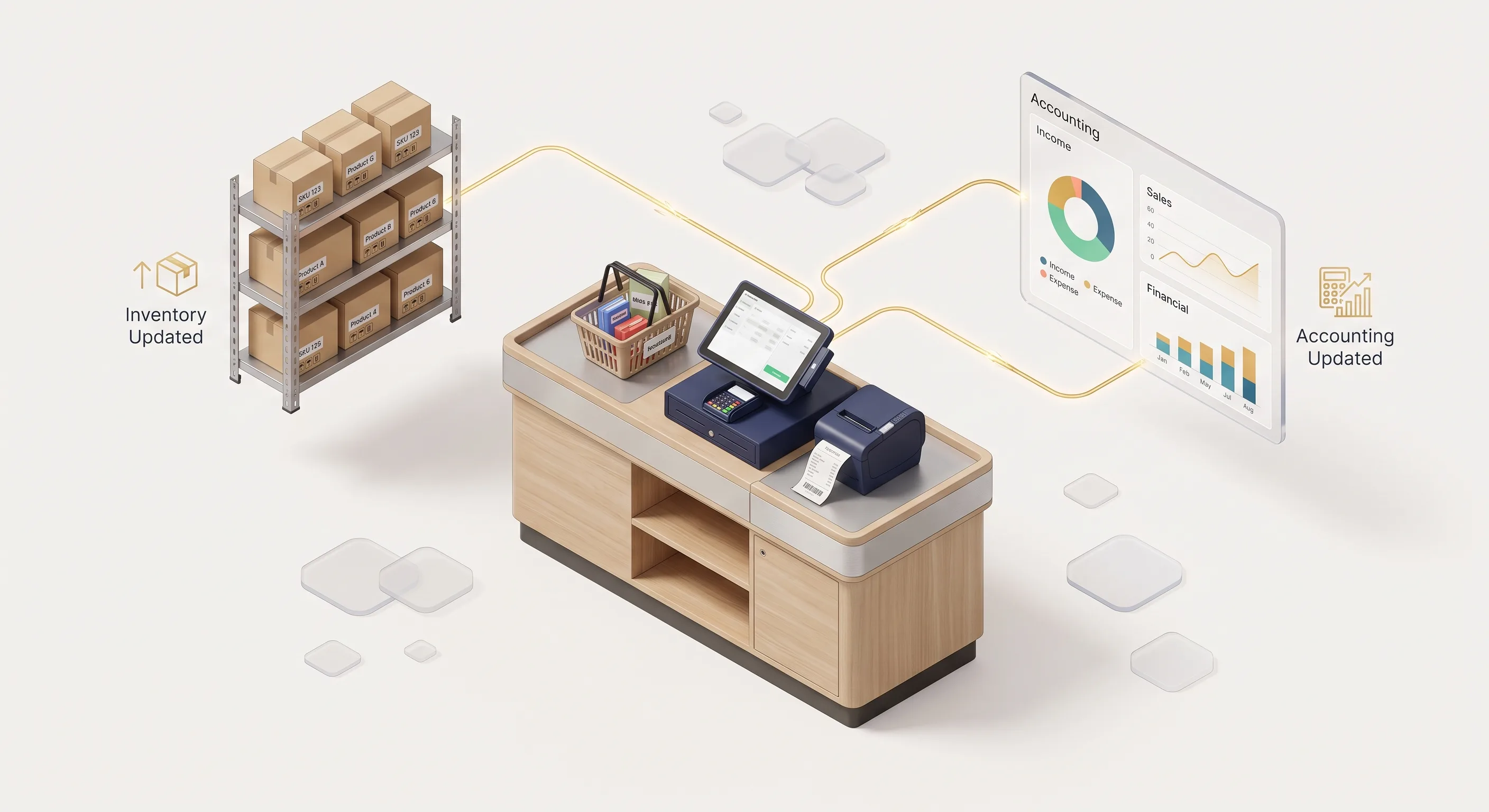
An integrated point-of-sale (POS) system turns every sale into an automatic chain: the sale is recorded and paid, the quantity comes off branch stock, revenue and cost are posted to the accounts, and an e-receipt is issued and sent to the Egyptian Tax Authority within 24 hours if you are required to use e-receipts. If any step is manual, it isn't really integrated.
How does a sale move from the till to stock and accounts?
In an integrated system nothing is typed twice: one sale updates stock, accounts and reports at the same moment, and the receipt is generated from the same data. A typical sale runs like this:
- Sale. The cashier scans a barcode or picks the item; price and discount come from a central price list the cashier can't edit.
- Payment. The payment method (cash, card, wallet, transfer) is recorded, because the end-of-shift report reconciles each method separately.
- Stock. The quantity is deducted from the branch balance immediately, with an alert if the item falls below its minimum level.
- Accounts. Revenue, cost of goods sold and the cash or bank movement are posted automatically.
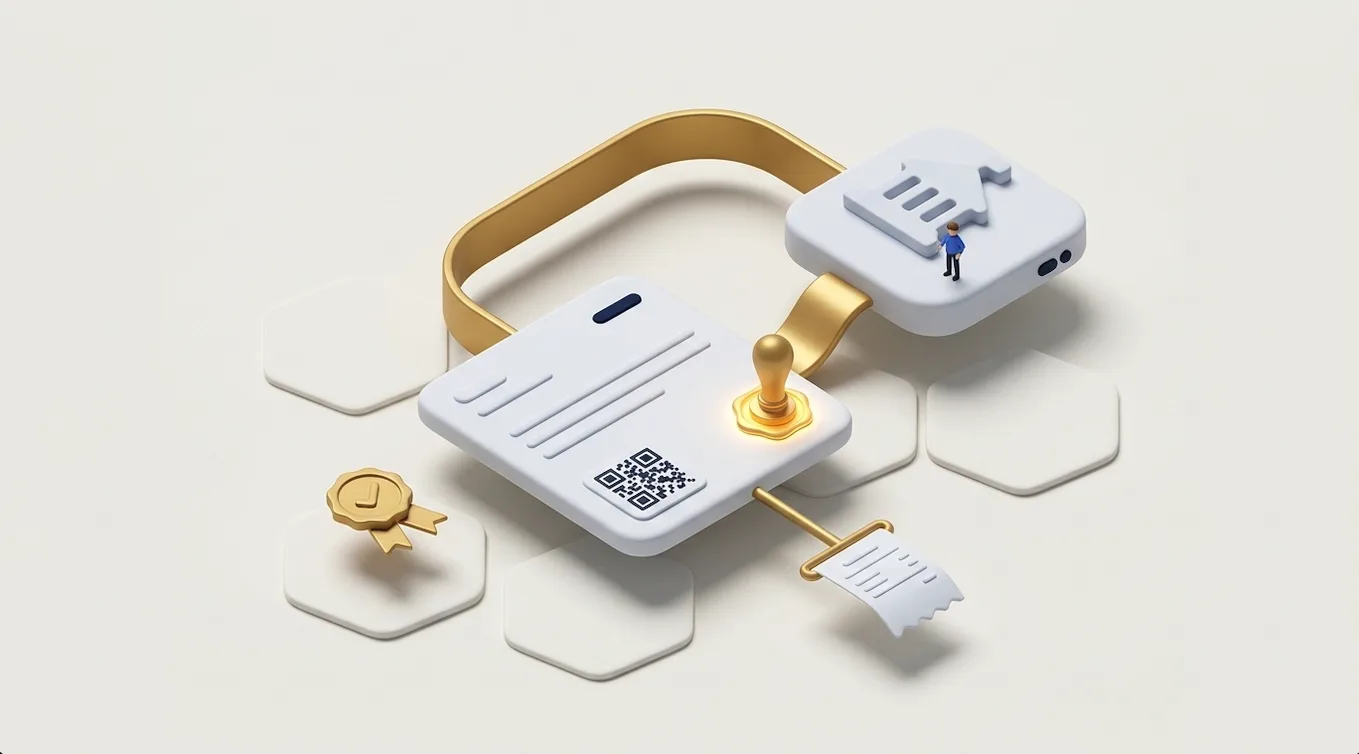
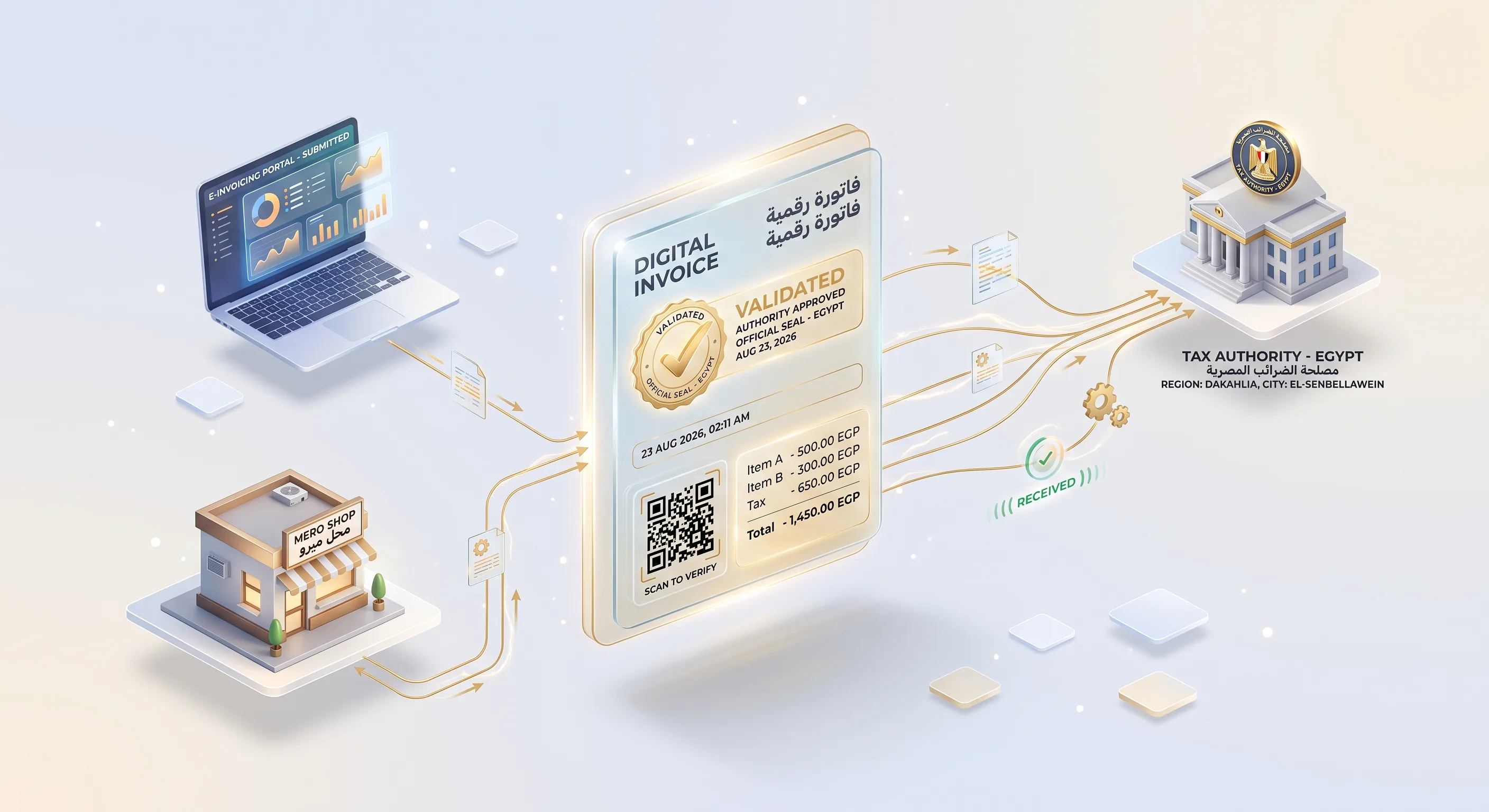
- E-receipt. The receipt is issued, printed with a QR code and submitted to the ETA.
- Reports. Sales by branch, cashier and item are visible to management without waiting for the end of the day.
| Area | Standalone till | Integrated POS |
|---|---|---|
| Stock balance | Updated by manual counts, with gaps between the books and the shelf | Deducted with every sale, updating branch and main warehouse balances |
| Accounts | Daily totals handed to the accountant manually | Automatic entries for every sale and return |
| E-receipt | Separate data entry or another program | Generated from the sale data itself |
| Branches | A separate report for each branch | One central dashboard for all branches |
| Online store | Separate stock that may sell out-of-stock items | One shared balance with the store |
What does Egypt's e-receipt system require from a POS?
If you are required to issue e-receipts, your POS is what issues them. The POS device must be registered and linked to the issuer's tax registration number before any receipt is issued, and the issuer must have B2C receipt issuance enabled (Receipt Issuance FAQ, ETA SDK, checked 13 September 2026). The system needs to support:
- Device registration through pos.eta.gov.eg, as the ETA's e-receipt services page (in Arabic) notes, with the device activated before submission.
- A 24-hour submission window from issuance, unless a receipt is being resubmitted with its old UUID.
- A unique ID: a UUID generated from the receipt content using SHA256, as a 64-character alphanumeric string.
- A QR code on printed receipts containing the receipt details page URL, the total amount and the seller's registration number.
- Returns: a return receipt within a maximum of 540 days of the sales receipt date.
- Codes for items, unit types, payment methods and branches from the official code tables.
- Submission format: the receipt submission API accepts JSON and returns a submission ID after synchronous validation (Submit Receipt API), and the ETA provides an integration toolkit as a Docker container, a NuGet library and a command-line tool.
Obligation rules and ERP integration for B2B e-invoices are covered in our Egypt e-invoice integration guide.
What happens when the shop's internet goes down?
A good POS keeps selling and printing offline, stores transactions locally and syncs them when the connection returns. E-receipts put a time limit on that, because the allowed submission window is 24 hours. The system therefore needs:
- A local queue of unsent receipts that resubmits automatically when the connection is back.
- Local validation of receipt data before saving, so errors aren't discovered after the window has closed.
- An alert to the manager when an unsent receipt is getting close to the deadline.
- A clear rule when several devices sync: the server holds the final stock balance, so balances don't conflict.
Which hardware and payment methods does a POS work with?
POS systems typically run on a PC or tablet with a thermal receipt printer, a barcode scanner and a cash drawer. Before you buy, ask the vendor for the list of printers and scanners it has actually tested, and try them in your shop.
For card payments, the terminal comes from your bank or payment provider. Whether it can receive the amount from the till automatically depends on the terminal provider supporting that integration, so ask before you sign. Mobile wallets and transfers are recorded as separate payment methods in the shift, and the payment method on the e-receipt is chosen from the official payment methods table.
Snaabble provides a tailored technical assessment to define the right stack & exact budget.
How do you run several branches and a main warehouse from one system?
Central management means one item and price list, balances for each branch, documented stock transfers between them, and permissions that stop cashiers editing prices or deleting receipts. The essentials to ask for:
- Moving goods from the warehouse to a branch with issue and receipt documents, not by editing balances by hand.
- Shift closing that reconciles actual cash with recorded sales for each cashier.
- Daily reports by branch, cashier, item and payment method, plus returns and discounts.
- Low-stock alerts and suggested purchase orders.
For the warehouse side, see our warehouse management guide. You can also try a live demo of an Arabic inventory system, Makzan: items with minimum levels and low-stock alerts, issue and receipt movements recorded against the recipient and supplier, and live balance reports.
Should you buy a ready-made POS or build a custom one?
Ready-made software is quicker to start and suits a shop with standard operations. A custom system is worth its cost when you need to connect to software you already use, or when your workflow isn't supported out of the box, such as field reps, light manufacturing or special pricing. The main differences:
| Item | Ready-made POS | Custom system |
|---|---|---|
| Getting started | Quick once set up and items are loaded | Needs analysis, build and testing |
| Cost | Subscription or licence, which may rise with branches or devices | Build cost, then maintenance and hosting |
| Integration with your systems | Limited to what the vendor offers | Defined by you |
| E-receipt | Check that the vendor genuinely supports the Egyptian system | Built on the ETA SDK |
| Data | Make sure you can export all of your data | Set ownership of the database and code in the contract |
For the broader comparison, read our article on off-the-shelf vs custom software.
Frequently asked questions
Can a POS connect to my online store?
Yes, if both sides have APIs or an integration plugin. In practice the item code must be the same in both systems, and you need to decide which system is the source of truth for stock and price, so the store doesn't sell an item that has run out in the branch.
Does every shop have to issue e-receipts?
Obligations are issued in phases by decisions of the head of the ETA, and joining e-invoicing comes first. Check your status on the ETA's pages or with your accountant, and choose a POS that supports e-receipts even if you aren't required to issue them yet.
How long do I have to issue a return receipt?
The Receipt Issuance FAQ sets a maximum of 540 days from the sales receipt date for issuing a return receipt.
Can an Android tablet work as a till?
For many shops, yes, as long as the POS supports it and works with your printer, barcode scanner and card terminal. Test the exact hardware in the shop before buying in bulk, especially printing speed at busy times.
Which reports should the system give me every day?
Sales by branch, cashier and item; totals per payment method against actual cash; returns and discounts; items below minimum level; and receipts not yet submitted to the ETA.
To build a POS connected to your stock, accounts and e-receipts, see our custom systems service. You can reach us on WhatsApp or by phone at +20 103 673 3131, or by email at hello@snaabble.com. Our office is in Talkha, next to Mansoura.