
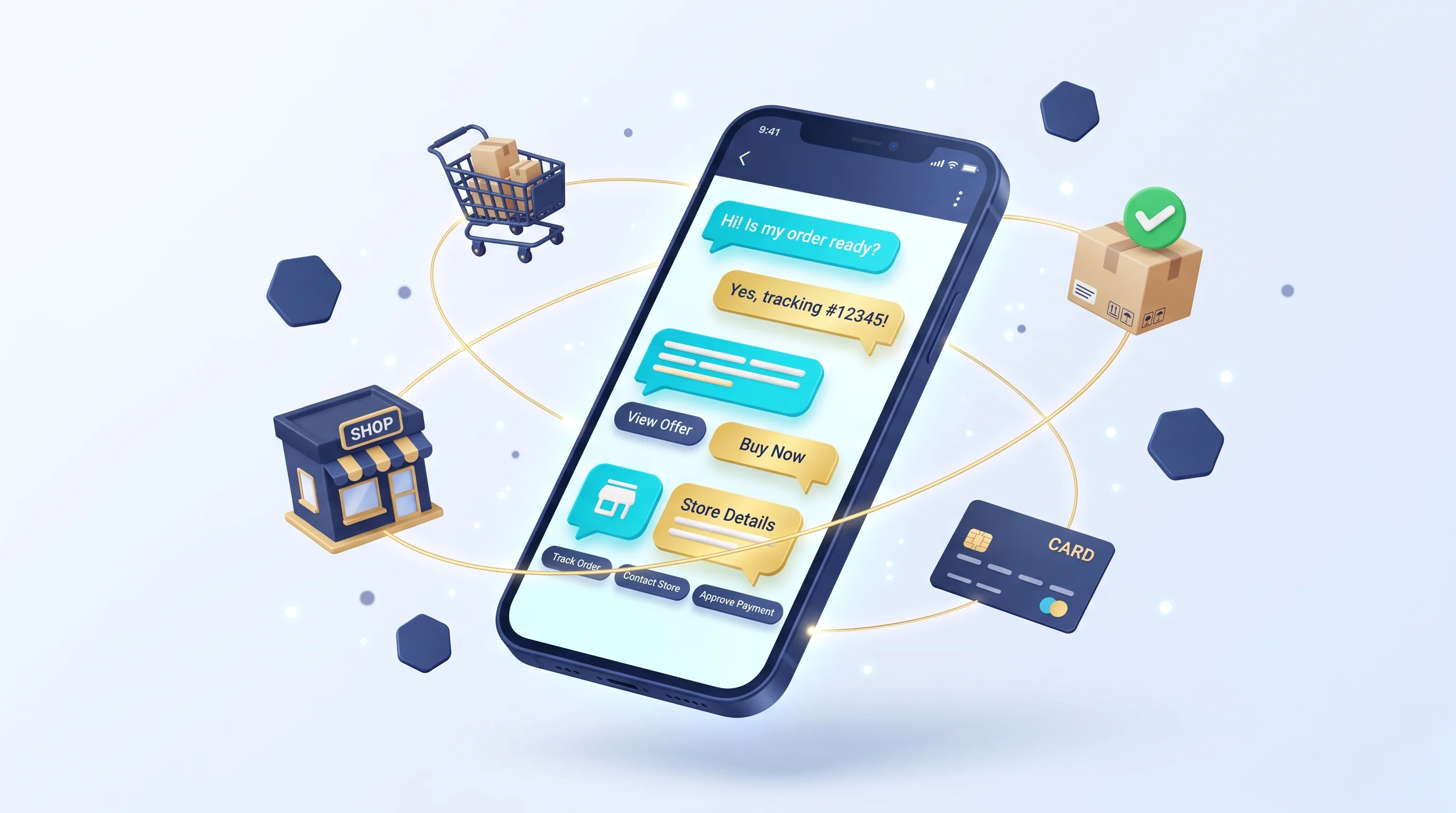
A WhatsApp chatbot for your store runs on the official WhatsApp Business Platform: it shows products in lists and buttons, takes orders, sends payment links or confirms cash-on-delivery orders, and hands customers to a person when needed. Your regular replies within 24 hours of a customer's message were free until 30 September 2026. From 1 October 2026 Meta charges for service messages at each market's utility rate, with the first 1,000 service messages per business phone number each month free, and utility templates you send in reply to a customer inside that window become billable too. Templates sent outside the window are still charged per message by category.
What can a WhatsApp chatbot do for your store?
A useful bot takes over repetitive steps: showing products, taking orders, sending payment links, updating customers on their order and answering standard questions. Here is how each task works on the platform:
| Task | How it works | Note |
|---|---|---|
| Browsing categories and products | An interactive list message with up to 10 sections and 10 rows in total (Meta docs) | For a large catalogue, list categories only and send a category link or search by name |
| Quick choices (size, confirm, cancel) | Reply buttons, up to 3 per message (Meta docs) | For more than 3 options, use a list |
| Taking the order | The bot collects item, quantity and address and records them in your store admin or order system | Needs a stock connection so it never sells out-of-stock items |
| Payment | A payment link from your provider: Paymob's Payment Link or FawryPay's Pay by Link | Confirm payment from the provider's notification, not the customer's message |
| Order confirmation and shipping updates | A utility template; Meta's own examples for this category include order confirmations and shipment tracking updates | Free when sent inside an open customer service window |
| Frequently asked questions | Scripted replies, or an AI model restricted to your store's data | With a clear route to a human agent |
| Abandoned cart reminders | A marketing template, according to Meta's categories | Charged, and requires the customer's prior opt-in |
How much do WhatsApp Business messages cost?
Since 1 July 2025, Meta has charged per delivered template message on the WhatsApp Business Platform instead of per conversation, with rates that vary by template category and the country code of the recipient's number (Meta for Developers pricing page, checked 13 September 2026). When a customer messages you, a 24-hour customer service window opens; inside it, all non-template messages are free, and so are utility templates.
| Category | Store examples | When it is charged |
|---|---|---|
| Marketing | Offers, abandoned cart reminders, any message mixing an order update with promotional content | On delivery |
| Utility | Order confirmation, shipment dispatched with tracking number | Only outside the customer service window |
| Authentication | Login verification code | On delivery; the pricing page mentions no exemption inside the window |
| Service | Your regular replies to a customer's messages inside the window | Free |
If a customer starts the conversation from a Click to WhatsApp ad or a Facebook Page call-to-action button, your messages to them aren't charged for 72 hours. Actual rates are published in Meta's rate cards by country; we don't quote them here because they change. For the cost of building and running the bot itself, see our AI chatbot cost guide.
Which WhatsApp rules does your bot have to follow?
Three rules in the WhatsApp Business Messaging Policy apply directly to bots: only contact people who gave you their number and opted in to receive your WhatsApp messages; respect every request to stop messaging; and when you use automation, provide prompt, clear and direct escalation paths such as an in-chat human agent transfer, a phone number, email or web support (WhatsApp Business Messaging Policy).
On AI: the WhatsApp Business Solution Terms, last modified on 6 March 2026, prohibit AI providers from using the platform to offer their technology when that technology is the primary, rather than incidental or ancillary, functionality being made available (WhatsApp Business Solution Terms). A bot that handles your store's orders and customer questions is different from offering a general-purpose AI assistant to the public, but review the terms with your WhatsApp solution provider before launch.
How does cash-on-delivery confirmation work on WhatsApp?
Confirming an order before you prepare it cuts down on shipping orders that won't be accepted, and WhatsApp lets the customer answer with one tap. A practical flow:
- Opt-in. Add a clear checkbox at checkout for receiving order messages on WhatsApp.
- Confirmation message. When the order is placed, the system sends a utility template with the order details and three buttons: Confirm, Change, Cancel.
- Automatic update. "Confirm" moves the order to fulfilment, "Change" routes the chat to an agent, and "Cancel" cancels the order and returns the stock.
- No reply. If the customer doesn't answer within a time you set, the order appears for your customer service team to call before shipping.
- Shipping. When the courier collects the order, a template with the tracking number goes out. To choose a courier, see our e-commerce shipping solutions guide.
The customer's reply to the confirmation opens a new customer service window, so regular follow-up messages and utility templates in the next 24 hours cost nothing.
Ready-to-use message examples for your store
Adjust the wording to your brand. Every template is reviewed and can't be sent until its status is APPROVED, and a template that mixes an order update with promotional content is categorised as marketing (Meta templates overview, template categorization). The placeholders {{1}}, {{2}} and {{3}} are filled in by your system.
1. Cash-on-delivery order confirmation (utility)
Hi {{1}}, we've received your order {{2}} totalling EGP {{3}}, payable on delivery. Shall we ship it to your saved address?
Snaabble provides a tailored technical assessment to define the right stack & exact budget.
Buttons: Confirm order · Change · Cancel
2. Payment link (inside the customer service window)
Your order {{1}} is ready and the total is EGP {{2}}. You can pay here: {{3}}. We'll confirm in this chat as soon as payment goes through.
3. Shipment dispatched (utility)
Your order {{1}} is on its way with {{2}}. Tracking number: {{3}}.
4. Abandoned cart reminder (marketing, opted-in customers only)
{{1}} is still in your cart and in stock. Complete your order here: {{2}}. Reply STOP to stop receiving offers.
5. Handover to an agent (service message)
I'm passing you to one of our customer service team, who will reply in this chat. You can also call us on {{1}}.
Which mistakes ruin the customer experience?
- No way to reach a person. The customer gets stuck in a loop, and the policy requires escalation paths when you automate.
- Marketing messages without opt-in or without a way to stop them.
- Deeply nested menus. Several layers of lists to reach one product; add search by name.
- Asking for details you already have, such as the name or address from a previous order.
- Selling out-of-stock items, because the bot isn't connected to live stock.
- A payment link with no summary. Send the items and total with the link so the customer trusts it.
- AI that invents prices or policies. Restrict answers to store data and hand over to an agent when unsure.
What are the steps to launch a WhatsApp bot for your store?
- Pick the first tasks. Start with a few clear ones, such as order confirmation, shipping status and common questions, then expand.
- Set up the account and number. A business account on the WhatsApp Business Platform (Cloud API) and a dedicated store number, directly or through a solution provider.
- Write and approve templates for every message you initiate, choosing the right category.
- Connect your systems: the store or order system, stock, and your payment provider and its notifications.
- Set up human handover: a shared inbox where the team sees the bot's history, with clear response hours.
- Test, then roll out gradually. Try it with your team, then a small group of customers, and review conversations weekly to improve replies.
Frequently asked questions
Can customers pay inside WhatsApp itself?
The practical route with Egyptian payment providers is a payment link: Paymob offers Payment Link and FawryPay offers Pay by Link. The customer opens the payment page, the provider notifies your system, and the bot confirms the order in the chat. Providers and fees are compared in our guide to payment gateways in Egypt.
Should I use the regular WhatsApp Business app or the platform?
The app works for answering manually from a phone. Connecting to your store, templates, and automated lists and buttons are done through the WhatsApp Business Platform documented on Meta for Developers.
Are bot messages free?
Some of them. Your regular replies within 24 hours of a customer's message are free, and so are utility templates inside that window. Marketing templates are charged on delivery, and utility and authentication templates outside the window are charged by recipient country. Building, hosting and any AI model are separate from Meta's fees.
Do I need the customer's permission before messaging them?
Yes. WhatsApp's policy requires that the person gave you their number and that you have their opt-in to receive your WhatsApp messages, and you must honour any request to stop at any time.
Will the bot understand Egyptian Arabic?
Modern language models handle colloquial Arabic with varying accuracy, and a bot built on lists and buttons doesn't need to understand free text at all. Test it on real conversations from your store before launch, and decide when it should hand customers to an agent.
To build a WhatsApp bot connected to your store and order system, see our AI and automation service. You can reach us on WhatsApp or by phone at +20 103 673 3131, or by email at hello@snaabble.com. Our office is in Talkha, next to Mansoura.